Annual Photo Review

Making the Most of Your Annual Photo Review

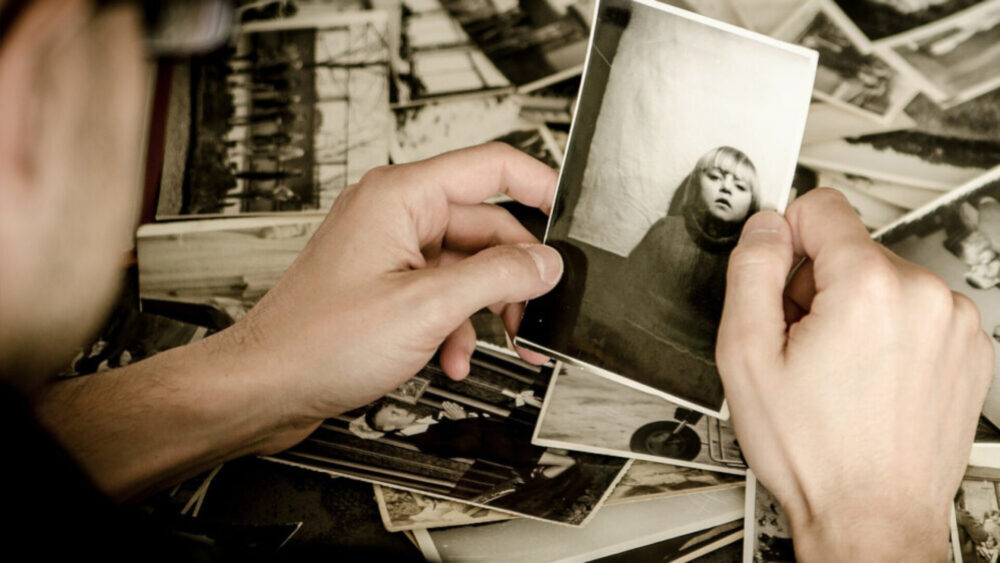
“Auld Lang Syne.” The world rings in every New Year to this familiar song. The song originated from an ancient Scottish poem whose title roughly translated means “for old times’ sake.” The song encourages us to preserve friendships and fondly reflect back on the events of the year. Doing an annual photo review, where we look back over our memories and moments from the past 12 months, is a great way to reflect on 2018. It can seem daunting to comb through a year’s worth of photos to choose your favorites to include in your best of 2018 collection, but […]

Read more

iCloud Photo Library

Simple Tips to Help You Get to Know (and Use) iCloud Photo Library

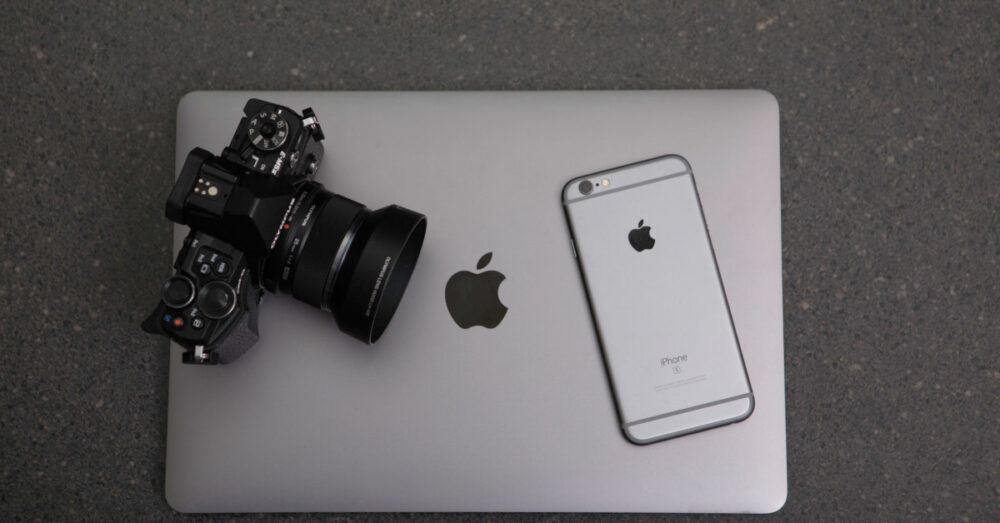
Not sure what it means when someone says, “Oh, I saved it to the cloud”? You’re not alone. There’s a lot of confusion about what the term “in the cloud” actually means these days – and your uncertainty may be holding you back from harnessing this important and useful technology. The “cloud” is simply another name for the network of computers that use the internet to receive, send, store, and share information outside of our own local machines and devices. iCloud is Apple’s version of cloud-based storage. It’s an ecosystem that merges and syncs all content on all devices into […]

Read more
Organizing Albums in Apple Photos

Three Tips for Organizing Albums in Apple Photos

Are you overwhelmed by the large quantity of photos in your Apple Photos Library? Do you get annoyed when you have to scroll through ALL of your photos to find the ones you’re looking for? There is a solution! Albums to the rescue! An Album is simply a collection of images in Apple Photos. Apple Photos gives you the freedom to create your own albums and folders in the app. Organizing your photos in this way eliminates the time-consuming task of searching for images in the library. In this post, I’m going to show you to three ways to create […]

Read more
Understanding the Basics of Apple Photos

Understanding the Basics of Apple Photos

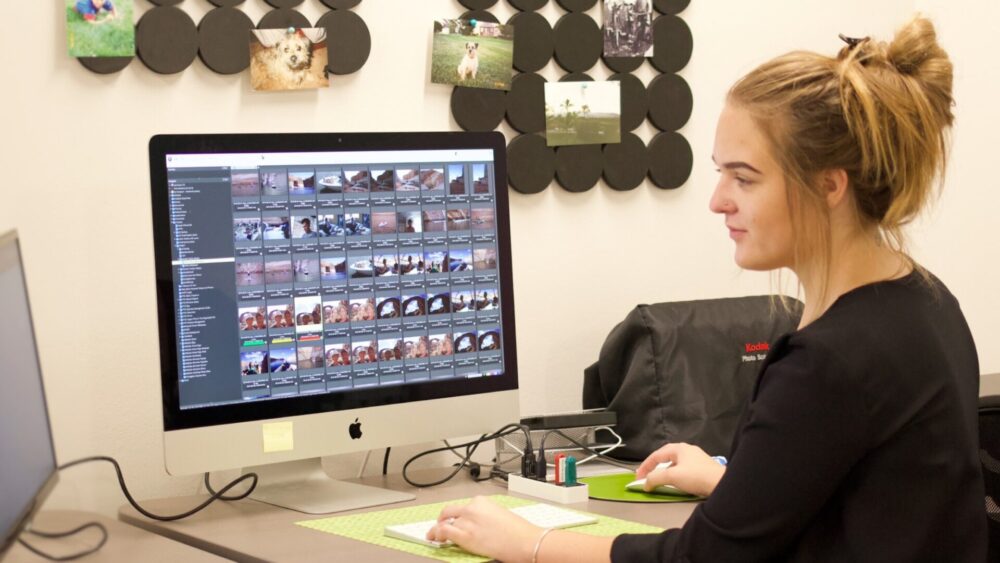
If you’re a Mac user like me and take pictures with your iPhone, then you probably have some of your photos stored on your computer in the Photos app. Photos for macOS, or Apple Photos, is the photo library for Mac users. When you upload your photos to Apple Photos, you can view, edit, organize, and share them — all in one place. When I’m working with my own photos, I prefer using the Apple Photos app over any other photo library system. It’s my favorite app because: Apple Photos is a convenient library system that stores everything in one […]

Read more
Simple Strategies for Organizing & Maintaining Your Photo Collection

Simple Strategies for Organizing and Maintaining Your Photo Collection

This is Part Three of a series on gathering all your photos into a Digital Photo Hub. Read Part One (How to Corral Your Digital Photos) here. Read Part Two (The 3-Step Process for Finding and Eliminating Your Duplicate Photos) here. We all know that feeling of relief when our house is cleaned and organized, and excess clutter is thrown away. There is freedom in knowing exactly where to find what you’re looking for, and motivation to keep things organized. Cleaning up a cluttered photo collection provides that same sense of satisfaction. It can feel like a weight is lifted […]

Read more
From Overwhelmed to Empowered: How One Couple Mastered Two Large Photo Collections

From Overwhelmed to Empowered: How One Couple Mastered Two Large Photo Collections

What does a man do with 10 plastic bins full of family photographs, history and memorabilia? Jim Grange wasn’t sure, but he knew he needed help. When Jim and his wife Pam moved his dad and mom into an independent living community, they brought home all of his parents’ photos and memorabilia. Jim wanted to organize the photos and create keepsake gifts for his parents and siblings, but didn’t know where to start. Our team helped Jim and Pam with the step-by-step process of organizing their parents’ photos and videos, as well as their own family photo collection. This is […]

Read more
The 3-Step Process for Finding and Eliminating Your Duplicate Photos

The 3-Step Process for Finding and Eliminating Your Duplicate Photos

This is Part Two of a series on gathering all your photos into a Digital Photo Hub. Read Part One (How to Corral Your Digital Photos) here. Read Part Three (Simple Strategies for Organizing and Maintaining Your Photo Collection) here. Got your photos all gathered into one place? Great! You can breathe a little easier knowing you’re on your way to having any photo available at your fingertips in just a few seconds. Now it’s time to sift through your photos and find out exactly what you’ve got. This second part of our series provides tips to quickly scan and […]

Read more